
Ector County Warrant Searches
Ector County does not have a single public statewide warrant database, and the Sheriff’s official site does not offer a searchable active-warrant roster. Call the Warrant Division at 432-335-3584 for county-held process. The free county court portal is a case index and docket tool, not a guarantee that every active warrant appears in one place.
Use the court printed on the notice as the first clue. A felony or district case points to the District Clerk and the named district court. A county-level criminal case belongs with the relevant County Court at Law. Traffic and fine-only matters may be held by one JP precinct or Odessa Municipal Court. Keep the citation or cause number handy, and ask what the office can confirm before acting on a result.
- Call the Sheriff Warrant Division about a county-held record and ask which court issued it.
- Use the Ector public court index to locate a case or docket, then verify status with the clerk.
- For Odessa, search the municipal portal by the proper case field or call 432-335-3300.
- For a JP citation, call the precinct listed on the ticket. Ask whether a warrant or CPF is on file.
- If the record remains unclear, submit a focused county request and ask a Texas attorney about next steps.
Ector County Warrant Division Call Route
The Sheriff’s Office lists its Warrant Division at 432-335-3584 and main number at 432-335-3050. Its website does not list a public searchable roster, warrant-counter hours, or a promise that a phone call will confirm every kind of warrant. Call before visiting the Law Enforcement Center at 2500 South U.S. Highway 385, and ask which court or agency holds the record.
For sheriff arrest, booking, or incident records, the official page lists Lupe.Bretado@ectorcountysheriff.us. For a general county request, the Public Information Office uses its online request portal or pir@ectorcountytx.gov. A request for a copy is separate from an informal status call and from a court filing.
Ector County Warrant Search Fields
The detailed public search controls documented in the research belong to Odessa Municipal Court, not the countywide index. The municipal form has a Search By menu. A name search needs last name, first name, and date of birth; optional boxes include similar-sounding and partial names. The table describes those observed city-court fields and should not be read as a sheriff search form.
| Field Label | Type | Required | Notes |
|---|---|---|---|
| Name | Last name, first name, DOB | Required | Similar-sounding and partial-name options are optional. |
| Warrant Number | Warrant number and last name | Required fields shown | Targeted Odessa municipal search; no county format is published. |
| Citation, docket, or PD case | One selected identifier | Required for that search | Use the number on the citation or court paperwork. |
| Vehicle plate or VIN | Plate plus state, or VIN | Required for that search | These are portal controls, not proof of a person’s warrant status. |
Ector County Odessa Warrant Search Fields
Odessa’s official city page links the municipal case search at municipalrecordsearch.com/odessatx/Cases. Its menu includes Name, Citation Number, Docket Number, PD Case Number, Warrant Number, Vehicle Plate, and VIN. The warrant-number option also asks for a last name. The public form warns users not to share or republish its contents.
Search the field that matches the paper in hand. A partial name option can help with a spelling variation, but any result still needs to be checked with Municipal Court at 432-335-3300. Juvenile cases cannot be viewed online. This form is an Odessa case search, not the Ector County Sheriff’s active-warrant list.
The District Clerk’s page gives a different route for district criminal files and explains which records the office maintains.
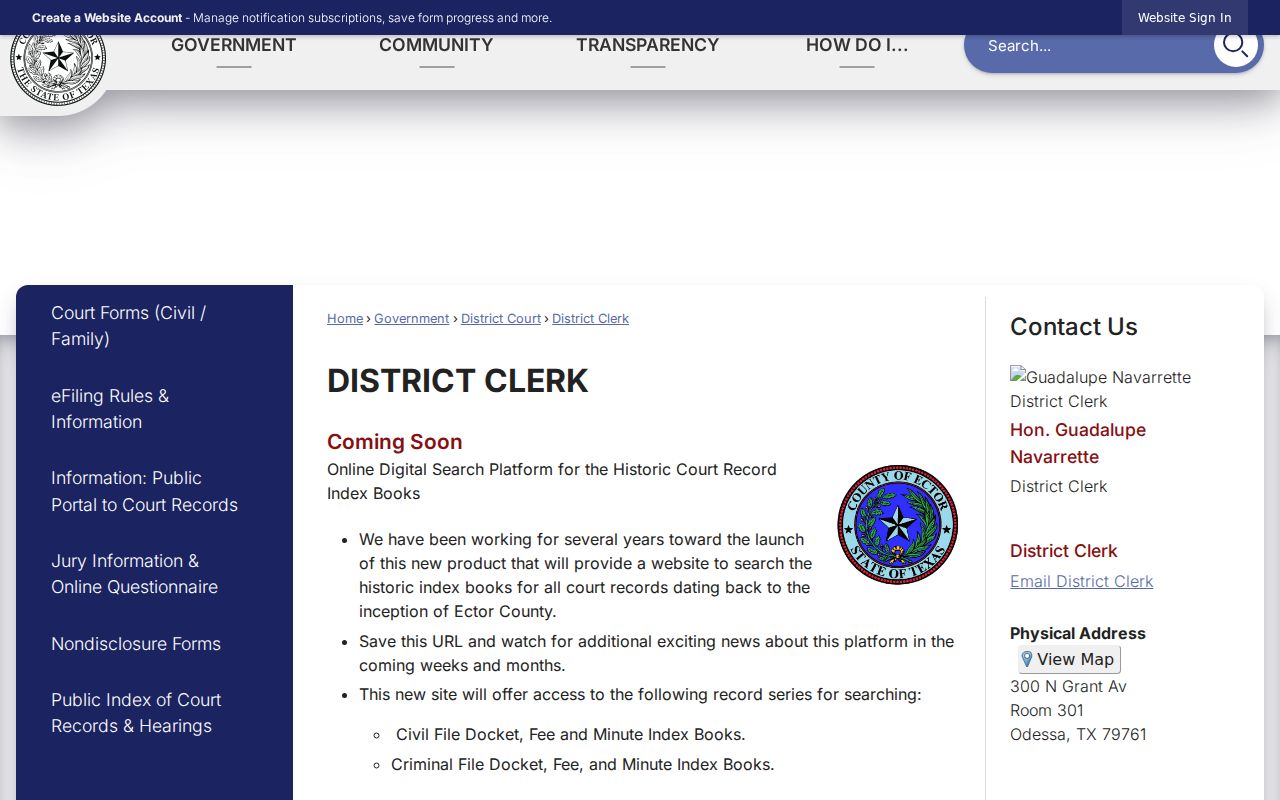
Use the District Clerk to identify a district file; ask the court itself about current warrant status or a motion.
Ector County Warrant Search Results
A search can identify a case without confirming an active warrant. Ector’s public portal gives access to indexes, Smart Search, docket entries, and upcoming hearings. Its public description does not publish exact search fields or warrant status codes, and document images require registered access for approved roles. Odessa’s search exposes more specific case identifiers, but its result screen is not a complete county roster.
| Case identifier | Cause, citation, docket, PD case, or warrant number, depending on venue. |
|---|---|
| Issuing court | District, County Court at Law, JP precinct, or Odessa Municipal Court. |
| Charge or court event | Read the court’s case description and docket events; do not infer a warrant from a calendar label. |
| Bond or payment | Ask the issuing clerk for the current amount and accepted method. |
| Status | Local status codes are not published as a complete list; confirm pending, signed, recalled, or served directly. |
Ector County Case Search Is Not Status
A portal hit may be a case, a hearing, or a payment record. Odessa’s public dockets use labels such as BENCH, pretrial, indigent, and arraignment; those labels describe calendar types, not whether a warrant can be served. The county index likewise gives case-level access but does not claim to show every active warrant.
Ask the clerk whether the process is pending or signed, what court issued it, whether a bond or appearance is required, and whether a recall has been entered. A private portal result or a blank search is not the final answer. The issuing court or Sheriff Warrant Division has the current authority to confirm.
Ector County Warrants: Who Holds What
District Court and the District Clerk are the route for felony case files; County Courts at Law handle county-level criminal matters. Each JP keeps its own docket at 300 North Grant, Room 208, and Odessa Municipal Court handles city citations at 201 North Grant. The Sheriff Warrant Division is the county-level phone fallback, not a substitute for each lower court’s own records.
Texas has no single public statewide warrant search. DPS OmniBase reports certain failure-to-appear or failure-to-pay violations for license-renewal compliance. DPS staff cannot confirm an arrest warrant. For a traffic hold, contact every reporting court and ask when it will report clearance.
Focused Ector County Warrant Requests
If an online route does not answer the question, use the county’s Public Information request portal for county-held material. Name the agency, the approximate date range, and the record type. A request for a person’s releasable warrant or recall record is different from asking for the current Warrant Division walk-in policy or a statistical report.
The county says it needs enough detail to locate records. When a response will take longer than ten working days, the PIO says it will send a reasonable production date. Estimates over $40 are itemized in advance, and the requester must respond within ten days. Confidential, juvenile, sealed, or active investigative material may be withheld or redacted.
Which Warrants Stay Restricted
Public-record access has limits. Texas law protects juvenile arrest warrants and supporting papers, while law-enforcement exceptions may apply to an active investigation. Search-warrant affidavits have a separate Chapter 18 access rule. The Ector index’s free tier does not include every document image, and Odessa excludes juvenile cases from its online search.
Key Rules:
Texas Government Code Chapter 552 permits exceptions for protected law-enforcement information; the county decides release under the applicable rule.
Texas Family Code §58.010 makes specified juvenile arrest-warrant information confidential, subject to listed exceptions.
A blank result can reflect venue, timing, or an access limit. It does not prove that no warrant exists.
Ector County Warrant List Excludes OmniBase
The Texas DPS Failure to Appear/Failure to Pay Program can affect driver-license renewal when a court reports an unpaid citation or judgment. It is a compliance system, not a public warrant database. DPS says license specialists cannot provide warrant information and sends people back to the court that reported the violation.
Ask the reporting court about the balance, whether a hearing or appearance is needed, and when compliance will be sent. DPS says an update can take three to five business days after court reporting. OmniBase program help is available at 1-800-686-0570, but the issuing court confirms any Ector warrant.
Texas DPS explains its FTA/FTP program and its limits.